Recipes and ingredients
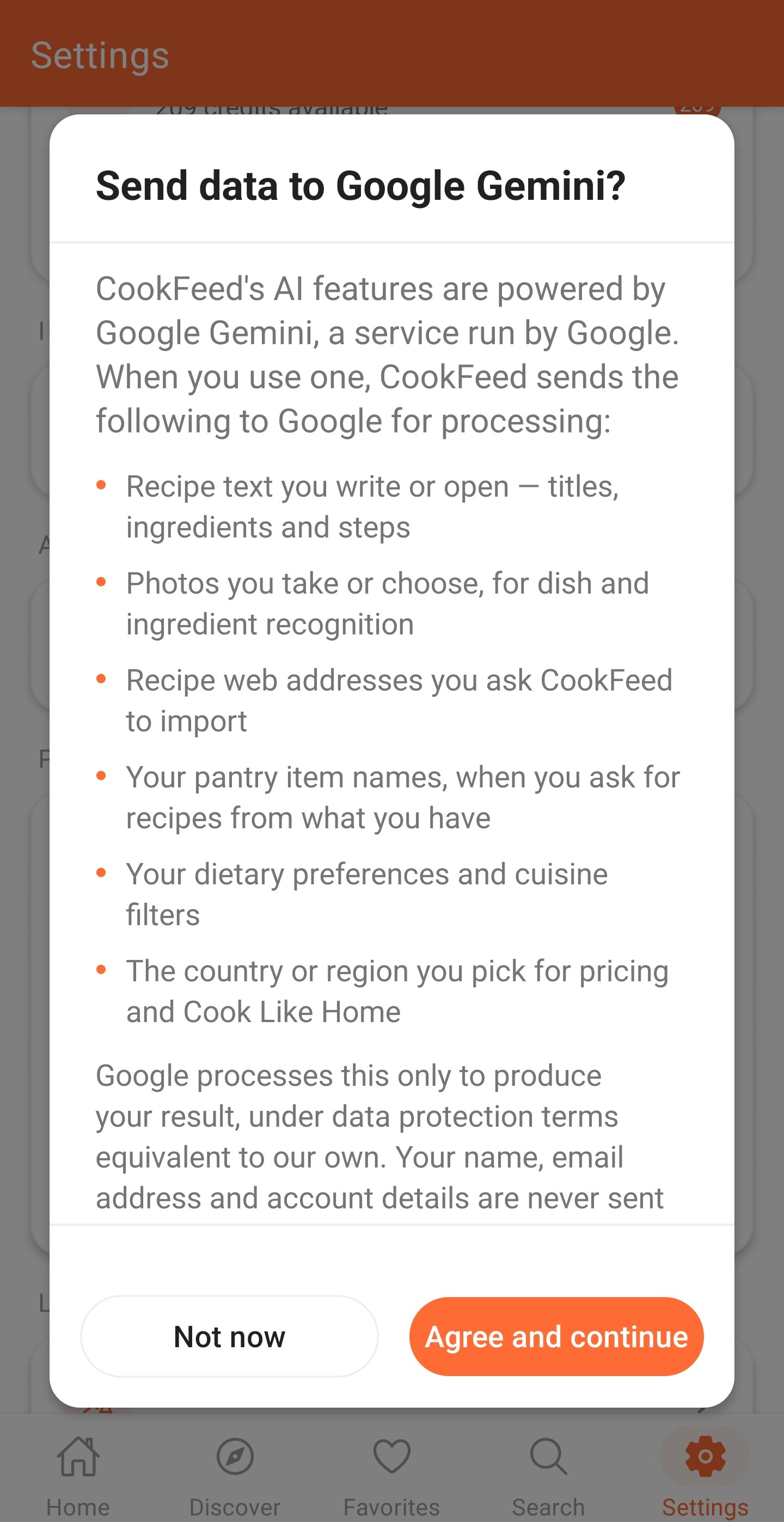
AI can draft recipe ideas from prompts, pantry ingredients, photos, cuisines, and dietary preferences.
AI transparency
CookFeed uses AI to help create recipes, meal plans, adaptations, and cooking ideas. AI can reduce blank-page work, but it cannot inspect your kitchen, verify an allergy, or guarantee that every output is correct.
Where AI helps
AI can draft recipe ideas from prompts, pantry ingredients, photos, cuisines, and dietary preferences.
AI can organize meal ideas into weekly or batch-cooking plans with shopping and storage guidance.
AI can suggest substitutions, dietary adaptations, local ingredient options, translations, and flavor pairings.
What AI cannot guarantee
AI may miss an allergen, cross-contamination risk, or medical dietary issue. Verify products and consult qualified guidance.
Cooking times, storage estimates, and expiry information require your judgment and local food-safety guidance.
A photo or short description cannot reveal every ingredient, quantity, technique, or cultural detail.
Your control
Generated content is a starting point. Check ingredients, quantities, nutrition and cost estimates, cooking instructions, substitutions, and suitability before relying on it. You decide what becomes part of your CookFeed collection.
Better ingredients, constraints, and preferences usually produce a more relevant draft.
Look for missing details, unsafe assumptions, unsuitable ingredients, and unrealistic instructions.
Edit, regenerate, save, or ignore the result depending on whether it is genuinely useful.
CookFeed is designed to make planning and cooking easier while leaving the important decisions with you.